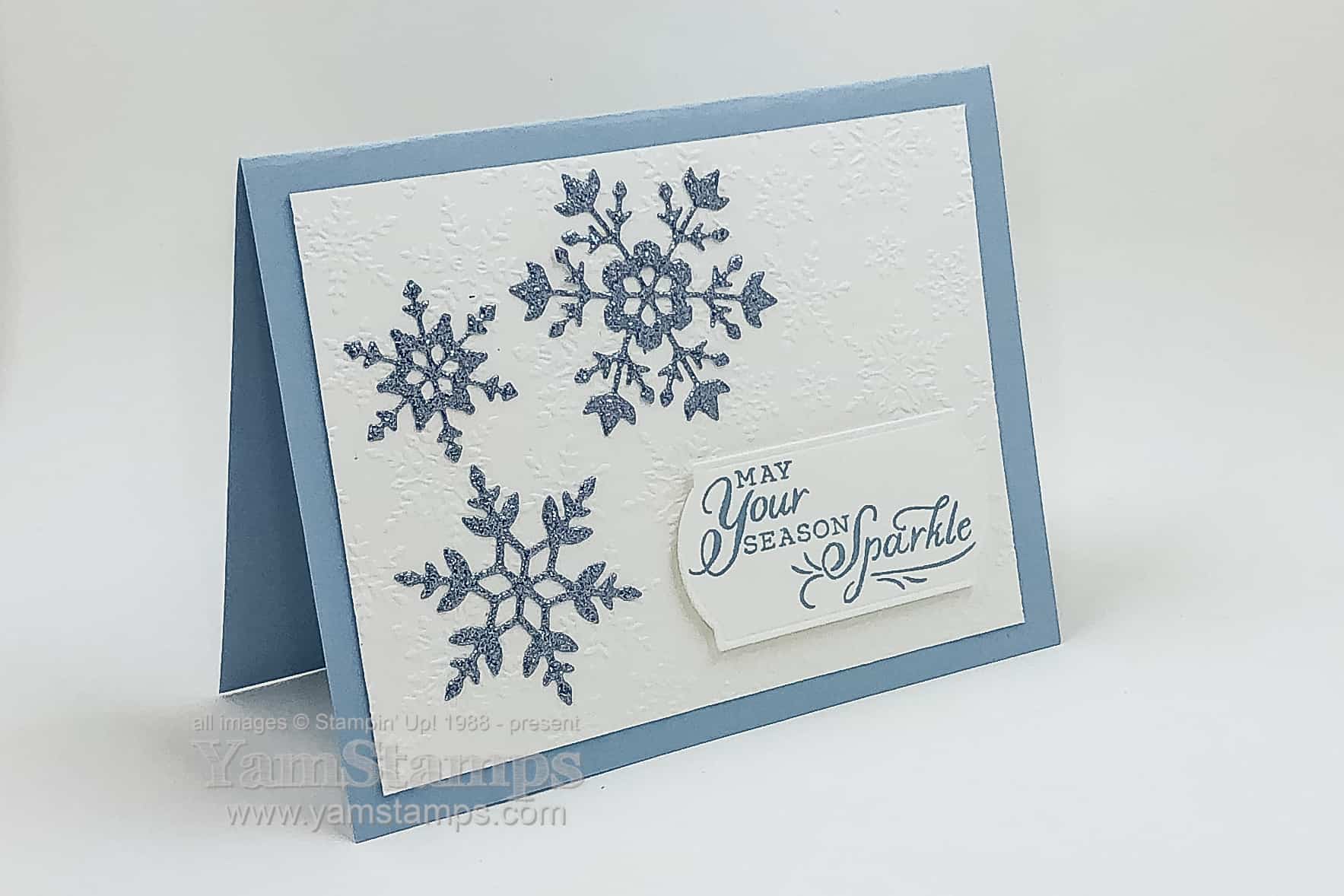
Too soon? Sharing a glittery snowflakes card that is part of the Card Class to Go “A” set. Typically in card classes around this time of year, I’ll start including one specific holiday-type card in the mix…so that class/club attendees will have a small selection of designs and cards by the time they need to mail them.
This card features products in the Snowflake Wishes Bundle, which includes the Snowflakes Wishes stamp set and coordinating So Many Snowflakes dies. Not sure if you can see it well in the photo but the Whisper White cardstock background is embossed with the Winter Snow Embossing Folder. Since it was part of the Stampers Club / Class to Go, I pre-cut all the snowflakes from the Balmy Blue Glimmer Paper for the card kits. Before I die cut, though, I adhered one of the Adhesive Sheets to the back of a 6″ x 12″ piece of the Glimmer Paper – so assembling the glittery snowflake card is even easier – just peel off the backing and stick the snowflake in place! Truth be told, I’m a slightly lazy crafter – so if I have to use liquid glue, I won’t go over every inch of the embellishment – just dots here & there, which usually works…as long as I am sure to cover enough areas so that it will stick! This leads to my second confession – I’m also a messy crafter, which means that usually the first embellishment (or even card, if I’m lucky) will be okay, but the second or third has my gluey fingers often mucking up things or getting stuck to the project as well. Thankfully, I have ALSO learned to use my Silicone Craft Sheet because nothing sticks to that…not even my sticky fingers.
I used the sentiment from the Snowflake Wishes stamp set, but those in Club/Class received a blank precut label and could stamp whatever sentiment they wished from their stash. (Stampin’ Up! rules prohibit us from including any pre-stamped materials in our kits). If you’re interested in getting a Card Class to Go kit, contact me! Delivery is either porch pick up in Burlington ON or via Canada Post.
If you’re looking to start in on your stash of holiday cards, I’m working on a class revolving around a Holiday themed bundle, but in the meantime, you may also want to consider grabbing the next Paper Pumpkin kit, which is on sale right now. September 11-October 10 is the subscription period for the October box, which is called Joy to the World. It includes supplies to create 8 cards, and includes die cuts in English, French & German. Great for sending to friends around the world! I’m looking forward to this one. You can subscribe to get a new kit each month, and pay month by month, or purchase a pre-paid subscription for 1 month, 3 months, 6 months, or 12 months. You can cancel at any time, or put a month on hold if you need.
If you purchase a Demonstrator Starter kit this month, you’ll receive a code to redeem for a Paper Pumpkin kit. **If you purchase between Sept 1-15, you’ll receive a code you can redeem as of September 16th. If you purchase the starter kit Sept 16-30, you’ll receive a code you can redeem after October 10th.**SO –if you would like to get the Joy to the World kit as your free Paper Pumpkin kit you will need to complete the Starter Kit purchase by Tuesday September 15th. Check out the FAQs for joining my group of Stampin’ Up! Demonstrators here or message me if you have any questions.
In the meantime, I’m packaging up the next Card Class To Go / Stampers Club kits – no glittery snowflake cards this time around (different set of cards each time) – but still 4 fun projects!
Hello September! I often think of September much like January – the start of a new year or phase. This September is definitely different than previous Septembers, and one of the things I missed most this year was the Back to School shopping excitement. I am totally one of those geeks who loves new pens, pencils, paper, notebooks….so perhaps it’s a good thing I missed out on most of that shopping because I’m sure I saved some money along the way – well at least in that section of my budget.
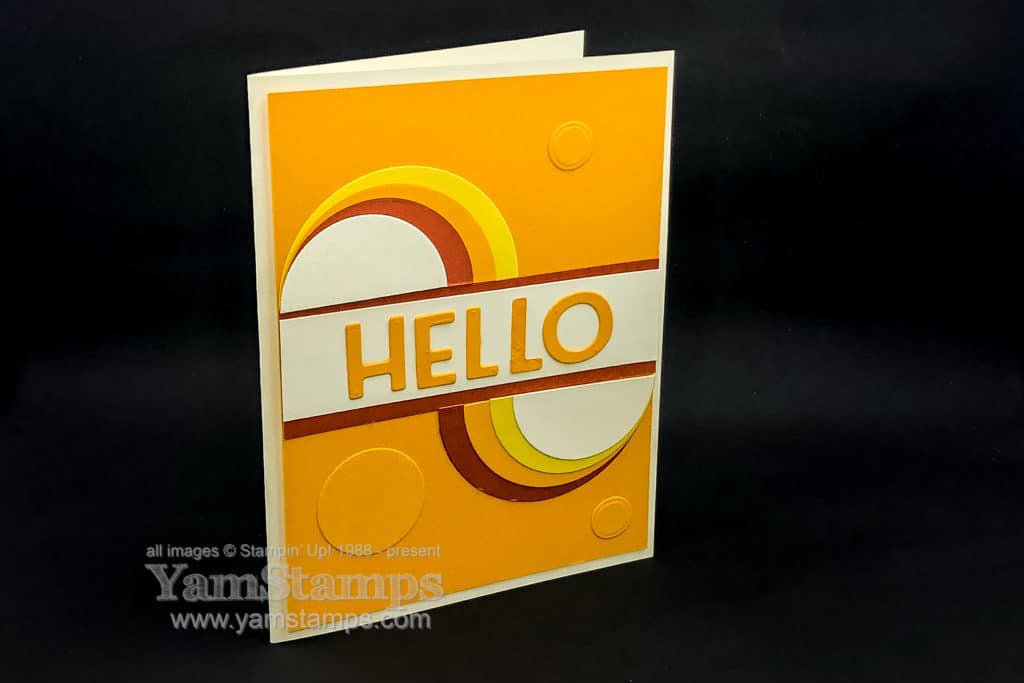
Here’s a card to sayhello – whether it’s to a month or to a friend. It’s part of a previous Class to Go and Stampers Club. I love how simple shapes can be manipulated to make a more complex effect!
I love the Playful Alphabet Dies – and I love that there are multiples of many letters, meaning it’s easy to die cut whole words at one time (without having to go back and re-cut a single letter). The other feature on this card is circles (or semi-circles) – so I used the Layering Circles dies, plus the smallest Mango Melody Circle on the background is actually the centre of the “o”. Can you see the “trick” to make the colours line up on the larger semi-circles to emphasize the swooping motion? You need extra circles to do it – two of the largest and second smallest circles, one of each of the colours (in this case, Cajun Craze and Daffodil Delight). You only need one of the second largest circle in one colour (Mango Melody in the sample). We were laughing in Stampers Club at the colours – they’re a little “retro” – and someone mentioned that we just needed an Avocado Green shade (hmm I guess the closest Stampin’ Up! shade might be Old Olive – or maybe Mossy Meadow??) to go with the “Harvest Gold” like theme and we would have a totally 70’s card.
One of the challenges I face with doing club virtually is figuring out the projects. Normally when we meet in person, I have the stamps and inks required for the different projects on the table, and each person uses them for that card. Right now participants are picking up (or receiving their card kits in the mail) – and Stampin’ Up! prohibits us from including any pre-stamped images in our kits, so the cards we do in Stampers Club these days are tending to be based on techniques, papers, die cuts or punched images (because I can include those). If a card could use a sentiment on it that is stamped, I usually will include a die cut or punched label or tag, but then each person can add their own sentiment from the craft supplies they have in their stash. Class to Go operates under the same format – you get all pre-cut cardstock/embellishments or pre-die cut/ punched elements for each card, plus an envelope. You supply the adhesive (or let me know if you need some and you can purchase some to be included in your kit) and have the option to add stamped sentiments of your choice.
I’ll be adding a few Bundle Classes in the next while that will focus on a particular stamp & tool combination. While the supplies will be still be precut, the projects may require further stamping or die cutting for completion as per the samples. If you’re interested in joining us, drop me a message and I’ll get you set up! Club is a 6 month commitment, Class to Go is a stand alone (i.e. no ongoing commitment), and Bundle Classes will also be stand alone (though you’ll want the featured bundle to complete the projects as per the class samples).
In the meantime, I will continue to create cards that also require stamping in addition to die cutting and punches – because that’s what I do…LOL! Wishing everyone a safe and smooth return to routine – recognizing that our routine may be a new and unfamiliar one – at least to start.
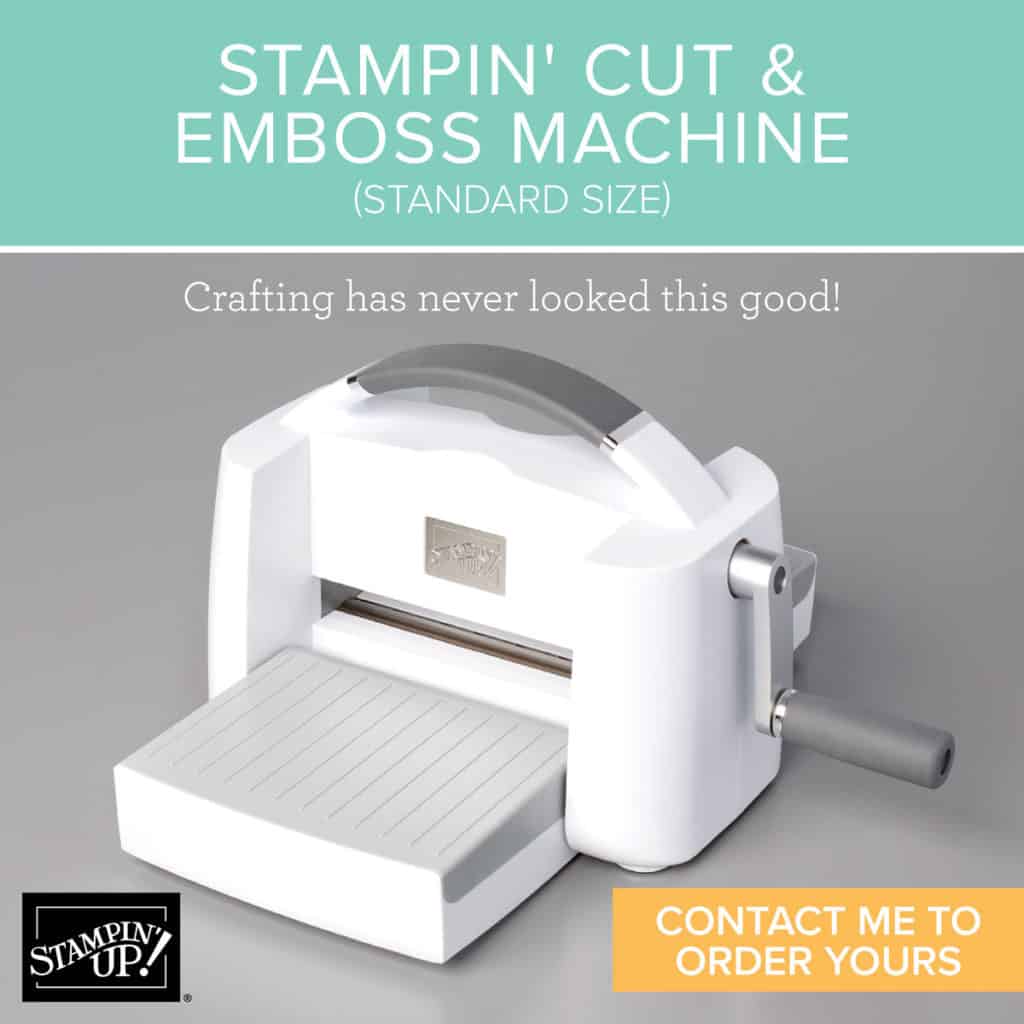
Now available to order – the Stampin’ Cut & Emboss Machine!Stampin’ Up!’s standard sized machine is available for customer order starting today. This machine has a wide 6″ (15.2 cm) platform that works with all Stampin’ Up! dies and embossing folders. It comes with 1 Base Plate (Plate 1), 1 Die Plate (Plate 2), 2 Cutting Plates (Plate 3), and 1 Specialty Plate (Plate 4). All the plates are numbered so you know exactly which one goes where (and which one to use when, thanks to the printed instructions on the base plate!)
The machine platforms fold up so it’s compact for storage or portability. Also available today – the Magnetic Cutting Plate. While Demonstrators were able to order the Stampin’ Cut & Emboss Machine in August, the Magnetic Cutting Plate was not available until now – so you can be sure that will be on my order today! Much as we loved the Magnetic Platform for the Big Shot – the Stampin’ Cut & Emboss Magnetic Cutting Plate will replace one of the plates in the sandwich. Once I get my Magnetic Platform in hand, I’ll be sure to do a video to show it off! You can place your order in the YamStamps Online Stampin’ Up! Canada Store here, or contact me for assistance.
The Stampin’ Cut & Emboss Machine(Standard Size) is $163 CAD – so the other news is that you could select it in your Demonstrator Starter kit and pay just $135. During September, there’s a Get & Go promotion as well – new demonstrators will receive two stamp sets (Queen Anne’s Lace and So Much Love), a package of rhinestones and 16 precut card packages to create 8 cards of 2 different designs – or use to come up with your own creations! The kits are designed for you to either make cards to send to friends and family, or to help you share the fun of cardmaking with others in a class (virtual or socially distanced). Check out this FAQ about becoming a demonstrator with my group, or if you can go here or contact me if you’re ready to start the process!
Or at least part of it…. Stampin’ Up! had a Leaders Summit this weekend – it kicked off Thursday evening, actually and ran Friday afternoon/evening and Saturday afternoon/evening. It was to be an in person event….in New Orleans….but got changed to an online event due to COVID. Let’s just call it a fortunate thing in some ways – because I don’t think anyone would have been able to make it to an in person event due to the weather!
Like most Stampin’ Up! events, it was a mix of information and inspiration. As this event was for demonstrators that have a team of demonstrators it also looked at ways to support and motivate our team as well as ourselves and featured some great guest speakers and the chance to network and brainstorm with other demonstrators.
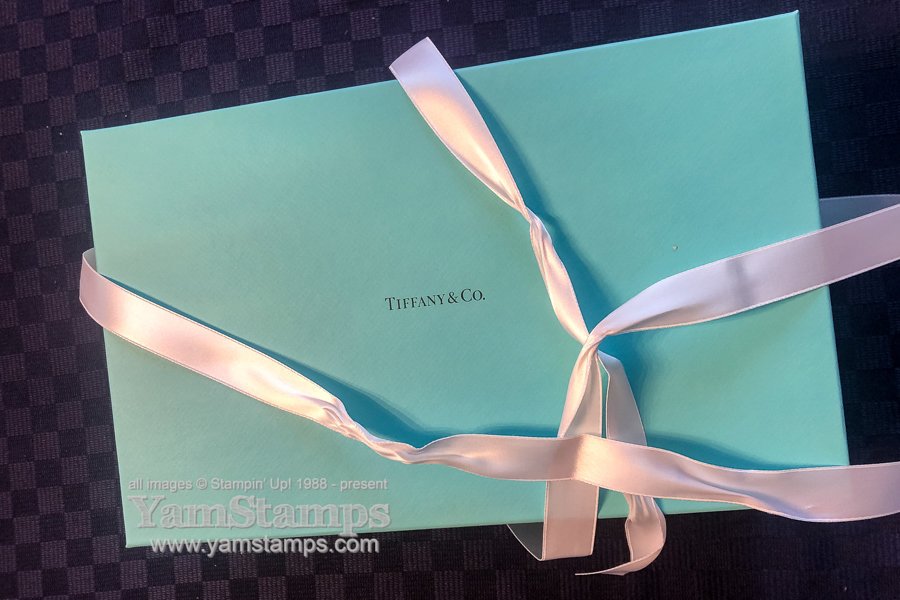
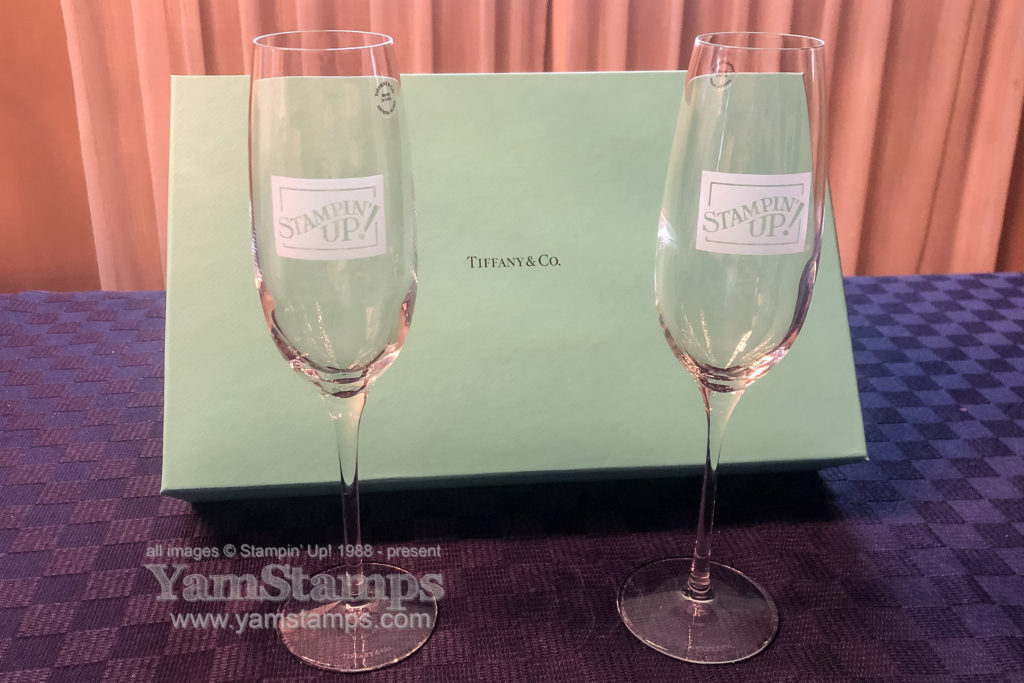
Did you see the surprise gift that the sent to the leaders who registered for this event? (You may have heard me squealing a bit…). Imagine getting this box!
It was a beautiful gift, and in all honesty, I love the box as much as the contents LOL.
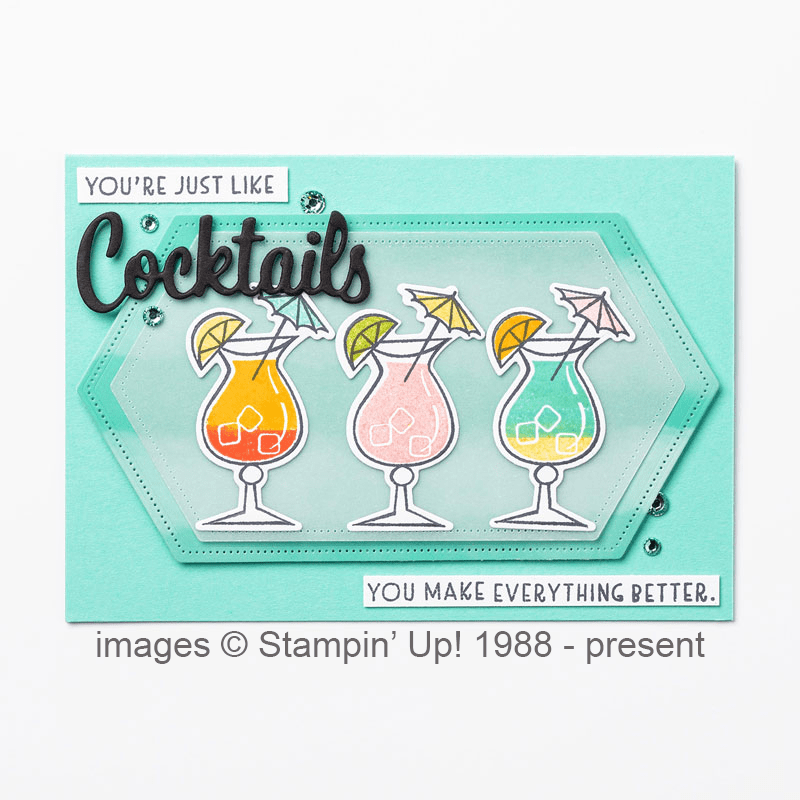
Here’s a fun project that uses Coastal Cabana, which is kind of close to the Tiffany Blue, and drink glasses which are similar but different to the Stampin’ Up! flutes that I received. Click on the image to see the items used to create it and a quick tip on how to get two-toned drink images!
Stampin’ Up!’s next event has also moved to an online format, and it’s open to all demonstrators. I’m looking forward to attending, along with members of the “Eh” Team – my demonstrator group. If you’re a demonstrator and you’re reading this post – a reminder that the deadline to regsiter for the event is September 1st! If you’re not yet a demonstrator, you can find out more about becoming a member of my demonstrator group here – or message me!
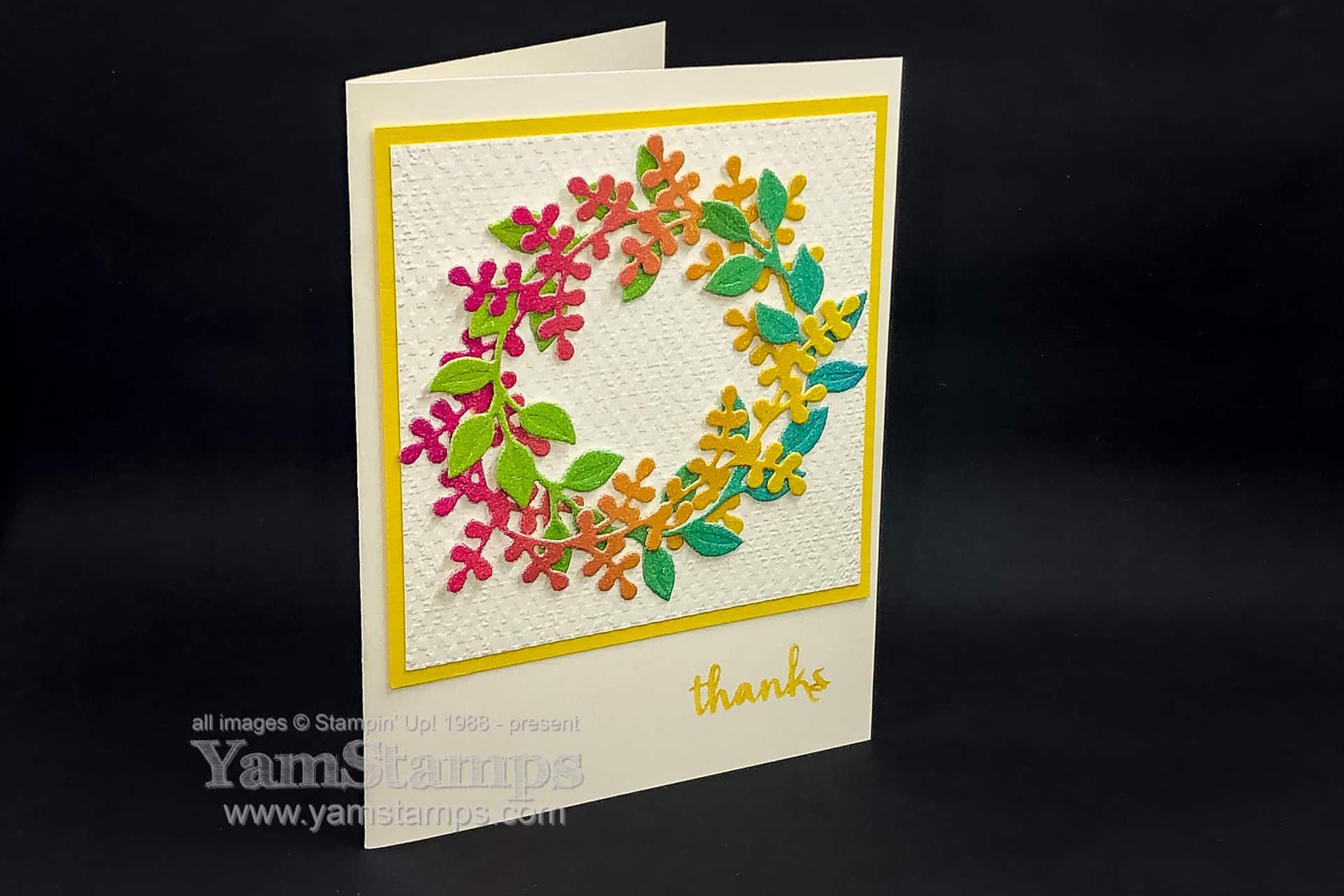
I promise to move on to other shapes and forms next….but I am sharing this rainbow wreath card before I do!! This is a variation on the original wreath card I did in this post. My friend Gloria saw the Facebook Live that I did, and then used the Rainbow Glimmer Paper in her card variation – so I used her take on it when I created the latest Class to Go/Stampers Club Class.
For Stampers Club we are doing Zoom meetings, and I’m starting to get the hang of it – getting the packages all done up for pick up/mailing, and then creating together online….except that I have forgotten to hit “record” a few times now… My Stampers Club members have access to an online site where the project photos and video are shared, so I had to re-shoot the “how to” video for the last club! My tech error means that I had a video that I could edit down to focus on one project at a time and post it elsewhere as well – so I uploaded my first IGTV video on the YamStamps Instagram Page, and uploaded to the YamStamps YouTube as well. I edited out all my talking, and just used written captions to give the instructions/highlights during the video. Let me know what you think – do you prefer listening to verbal instructions or like the quick read version instead?
Here’s the video (click on the above links if you can’t see it here for some reason). I added music just so it had something for sound…
OK now that you’ve seen the video of the Rainbow Wreath Card, I’ll be off to see what else I can create that doesn’t have a circular wreath as the main focus….the pressure…
If you’re interested in joining Stampers Club – please contact me or check out the YamStamps Events Page for more information! We welcome new members at any time. We meet once a month – our next date is Monday September 21st, and members commit to a 6 month cycle. Since we are meeting virtually for the next while, you’ll be able to join us from wherever you are in Canada! Also – with access to the members only site, technically if you can’t make it at the get together (though it is more fun if you do) – you’d be able to access the information afterwards anyway. If you don’t want to commit to club membership, you can always grab a Card Class to Go. You can either pick up or have your class packet mailed to you with the photo/instructions for the projects. You supply your own adhesive and stamps/ink (I’ll make suggestions as to the sets/ink colours in the instructions) and create the projects on your own time.
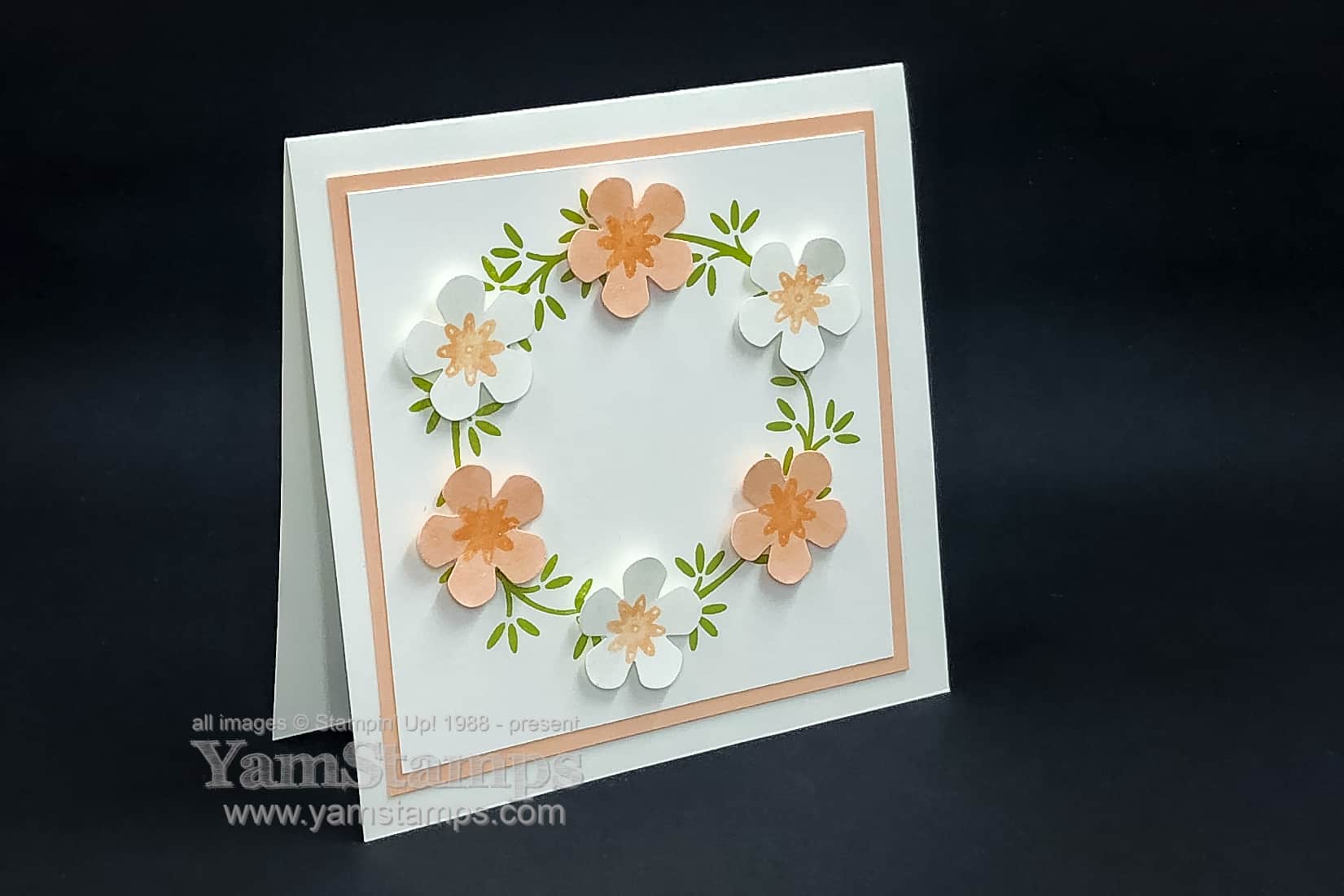
I am on a bit of a floral wreath kick(like this previous card) Or maybe it’s a circles thing. Who knows. Anyway – here’s another take on a floral wreath card! This one uses the Ornamental Envelopes Bundle…which I have not yet used for envelopes…LOL
While the bundle actually has dies to cut out the flowers that are in the set, I chose to add in something different. I combined the Ornamental Envelopes stamp set with the Small Bloom Punch instead, as I wanted more substantial flowers – primarily to hide the gaps in my wreath!!
I stamped the branches bough three times on a 3.5″ piece of cardstock so they formed a circle. I used the brush end of my Petal Pink Stampin’ Write marker (from the Subtles Markers) to colour in just the largest of the 3 flowers on the stamp from the Ornamental Envelopes stamp set. I stamped the flower onto scraps of Whisper White and Petal Pink Cardstock, and then centered them in the Small Bloom Punch so they became the centre of the flowers. Use the punch “upside down” so you can see the image when you’re punching.
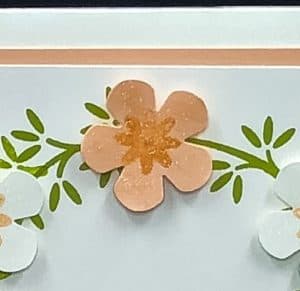
Once assembled, I used the Wink of Stella Clear Glitter Brush to add a bit of sparkle to the flowers (you can kind of see it in the close up shot above). I was really pleased with how this project turned out! Perhaps when I get around to mailing it I’ll actually decorate the envelope as well!